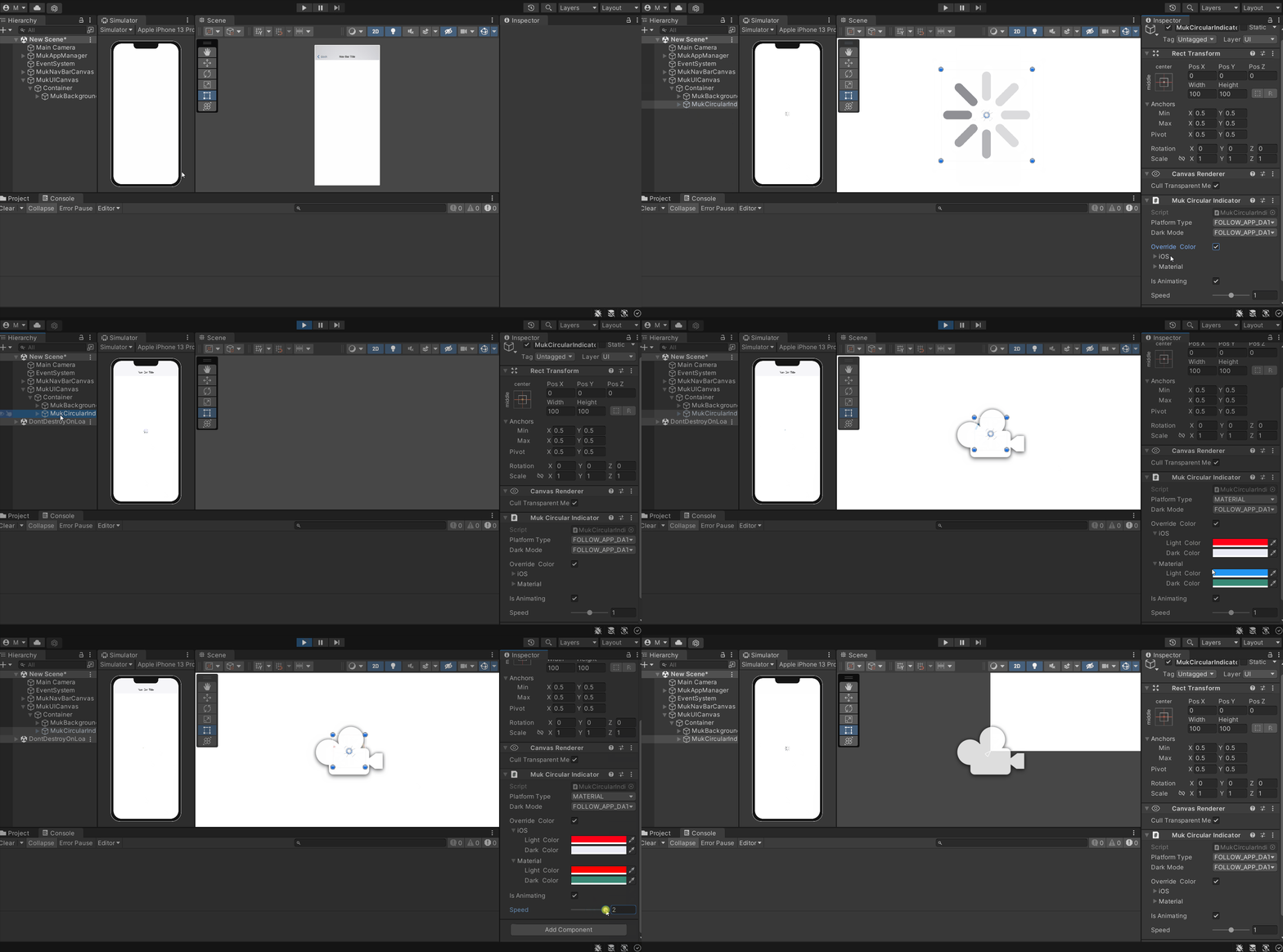
Muk Circular Indicator
Create Muk Circular Indicator
To create MukCircularIndicator, create and select MukUICanvas, right-click in the Hierarchy > Muk > Circular Indicator. You will see a new object(MukCircularIndicator) created in the selected canvas or the first canvas in the Hierarchy (if no canvas is selected). If there’s no canvas in the Hierarchy, Muk will create a MukUICanvas for you and place the MukCircularIndicator in the newly created MukUICanvas.